FREE FOR ALL CPM CUSTOMERS
Your Complete Pest Management App, Always in Your Pocket
Manage your account, view service history, pay invoices, and reach our team, all from a free app on your phone. No app store required.
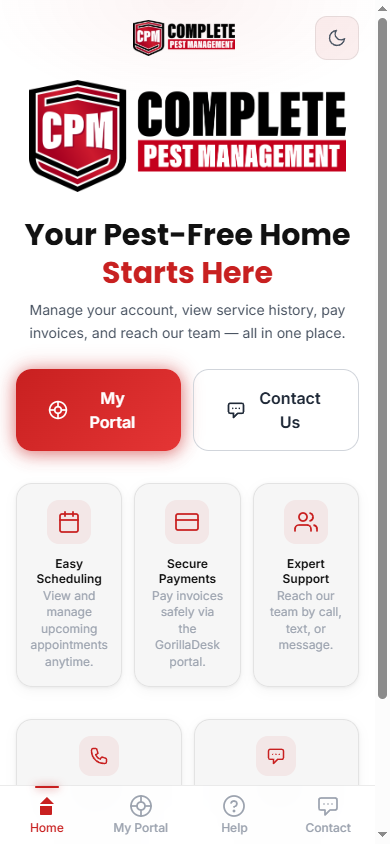
CPM Customer App
app.completepestmgt.com
Free for all Complete Pest Management customers. Works on iPhone and Android. No download required. Add it directly to your home screen.
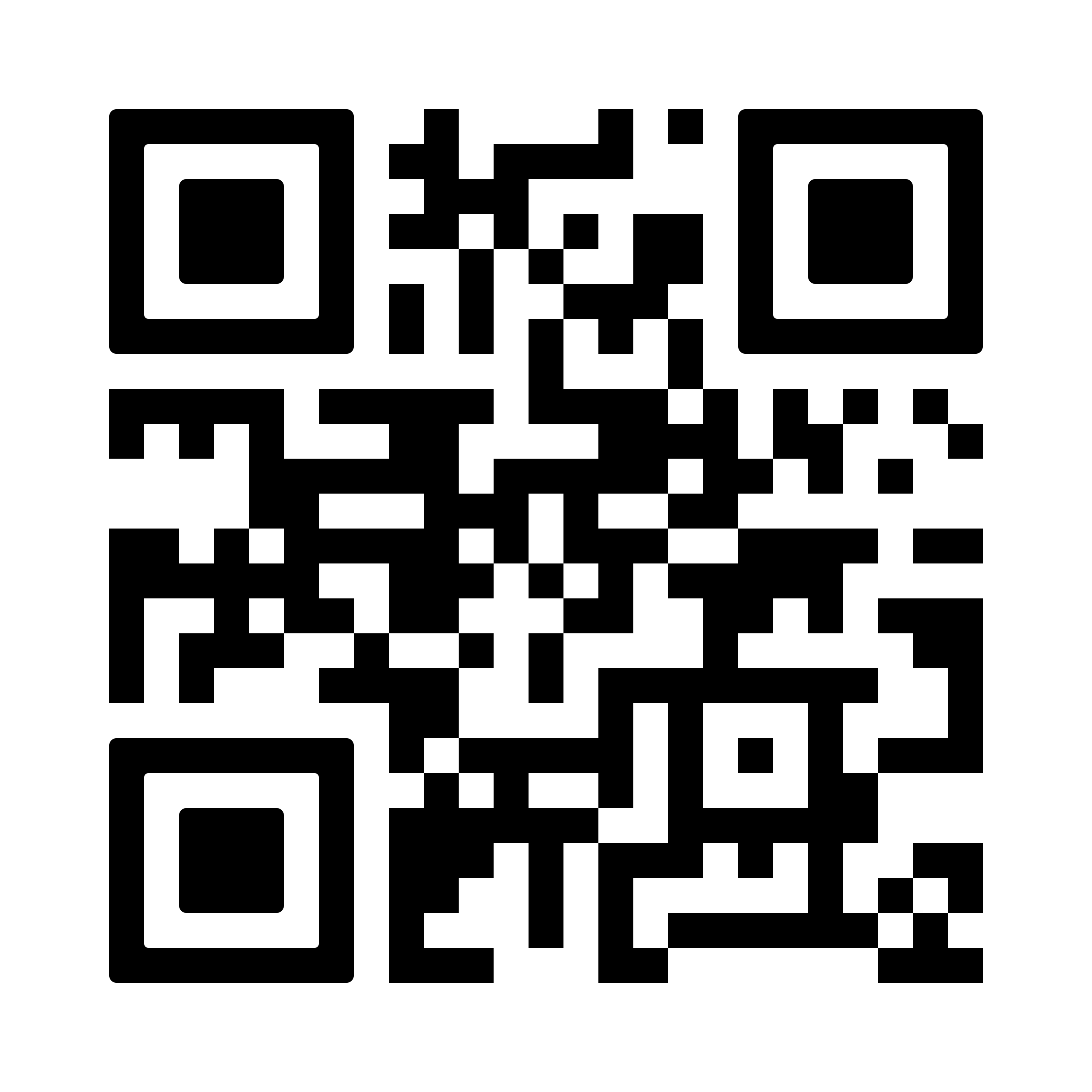
Scan with your phone camera
Open the App →EVERYTHING IN ONE PLACE
What's Inside the CPM Customer App
Built for Complete Pest Management customers who want easy access to their account without searching for emails or phone numbers.
Invoices & Payments
View and pay your invoices securely through the GorillaDesk portal. Manage payment methods and view your full billing history.
Work Orders & History
See every service visit, what was treated, and what products were applied. Your full service history in one place.
Documents & Estimates
Access service documents, estimates, and any paperwork from your account, available any time from your phone.
Contact & Support
Call, text, or message our team directly from the app. Get help from our AI assistant 24/7 or reach Evan directly.
FREE INSTALLATION
Add the App to Your Phone
No app store. No download. Just open the link in your browser and add it to your home screen in seconds.
- 1 Open Safari on your iPhone Must use Safari, Chrome on iPhone does not support Add to Home Screen
- 2 Visit app.completepestmgt.com
- 3 Tap the Share button at the bottom of Safari It looks like a box with an arrow pointing up ↑
- 4 Scroll down and tap "Add to Home Screen"
- 5 Tap "Add" in the top right The CPM app icon will appear on your home screen
Scan to Open on Your Phone
Point your phone camera at this code, no app needed
app.completepestmgt.com
- 1 Open Chrome on your Android phone Works with Chrome, Samsung Internet also supported
- 2 Visit app.completepestmgt.com
- 3 Tap the three-dot menu in the top right corner It looks like three dots ⋮
- 4 Tap "Add to Home Screen"
- 5 Tap "Add" to confirm The CPM app icon appears on your home screen instantly
COMMON QUESTIONS
App FAQs
Yes, completely free for all Complete Pest Management customers. There is no download fee, no subscription, and no app store required.
To access your portal, invoices, and work orders you will need to log in with the email address on file with Complete Pest Management. New to CPM? Use the app to contact us and get started.
The app works on any modern iPhone or Android phone. On iPhone use Safari to install it. On Android use Chrome or Samsung Internet. It does not require any specific operating system version.
Tap 'My Portal' in the app and use the 'Forgot Password' option on the GorillaDesk login screen. You can also call or text us at (757) 369-0966 and we will help you get back in.
Yes. All payments are processed through GorillaDesk's secure payment system. Complete Pest Management never stores your card information directly.
Ready to Get Started?
Open the app now or reach out to our team. We are here Mon to Fri, 8AM to 4PM, and get back to you within one business day.